Download Private Instagram Content
3 simple steps to download from private accounts you follow
Step 1: Paste Private Post URL
Enter the Instagram post URL from a private account you follow
How to Download Private Instagram Posts
Follow these 6 simple steps. Click any screenshot to enlarge.
Copy the Instagram Post URL
Open the private post on Instagram and copy its URL from the address bar.
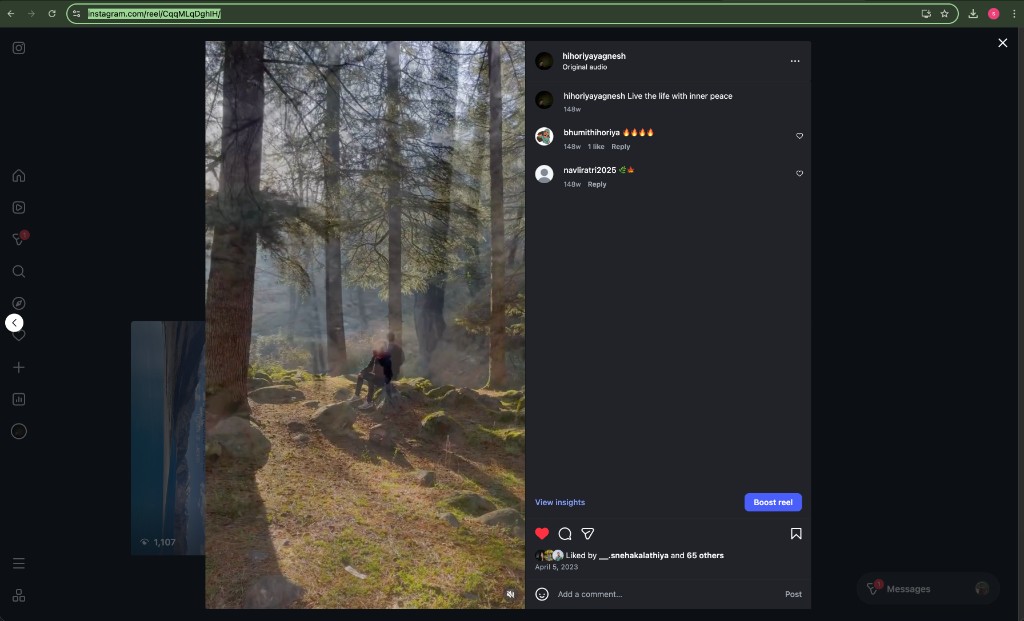
Copy the post URL from the address bar
Open Instagram and go to the private post / reel
Copy the URL from the address bar (e.g. instagram.com/reel/…)
You must be following the private account
Paste URL & Click Generate
Paste the Instagram URL into SnapDown and generate the GraphQL link.
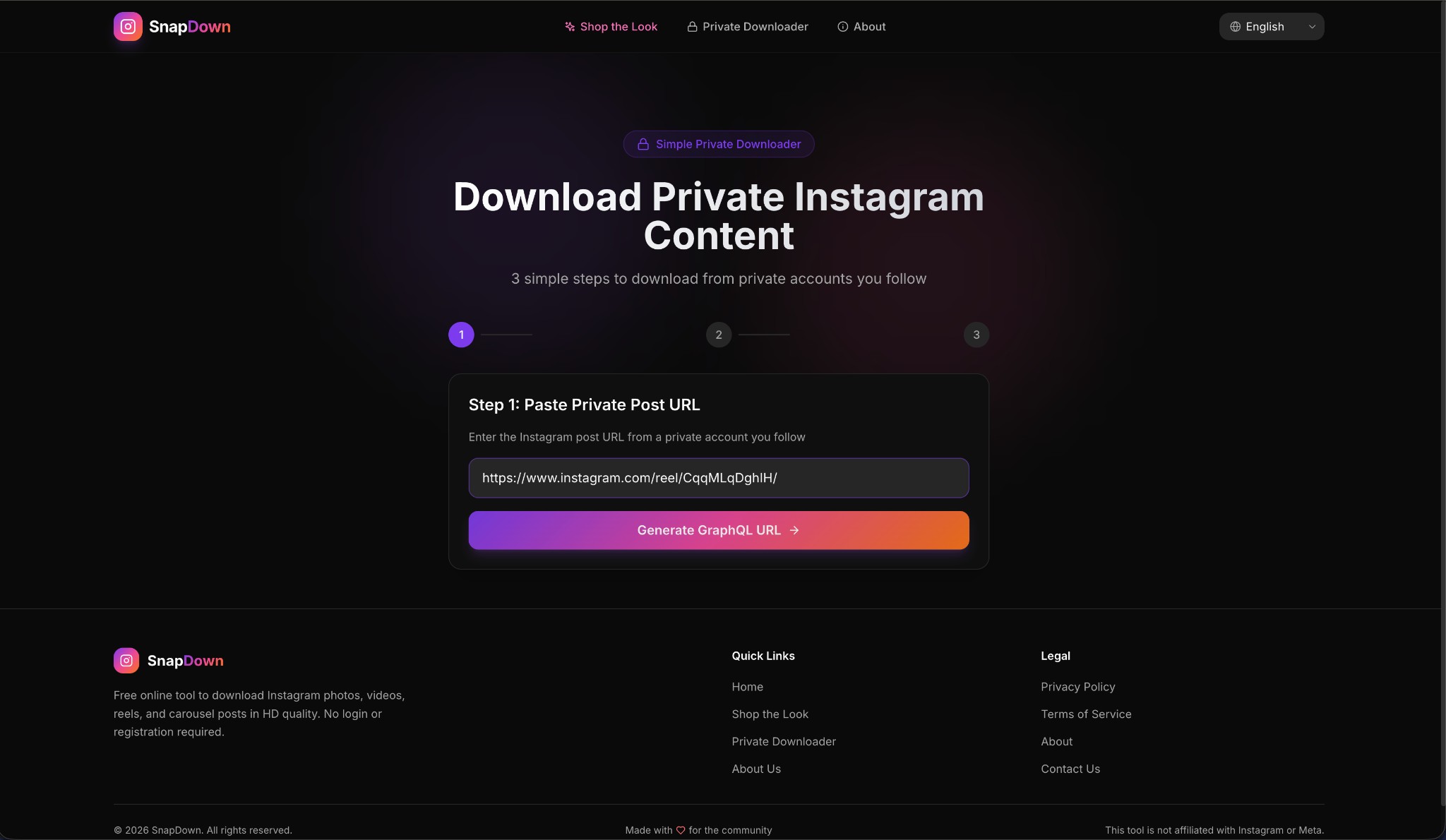
Paste the URL and click 'Generate GraphQL URL'
Come to the SnapDown Private Downloader page
Paste the Instagram URL in the input box
Click "Generate GraphQL URL"
Open GraphQL URL in New Tab
Click 'Open in New Tab' to open the generated link while logged into Instagram.
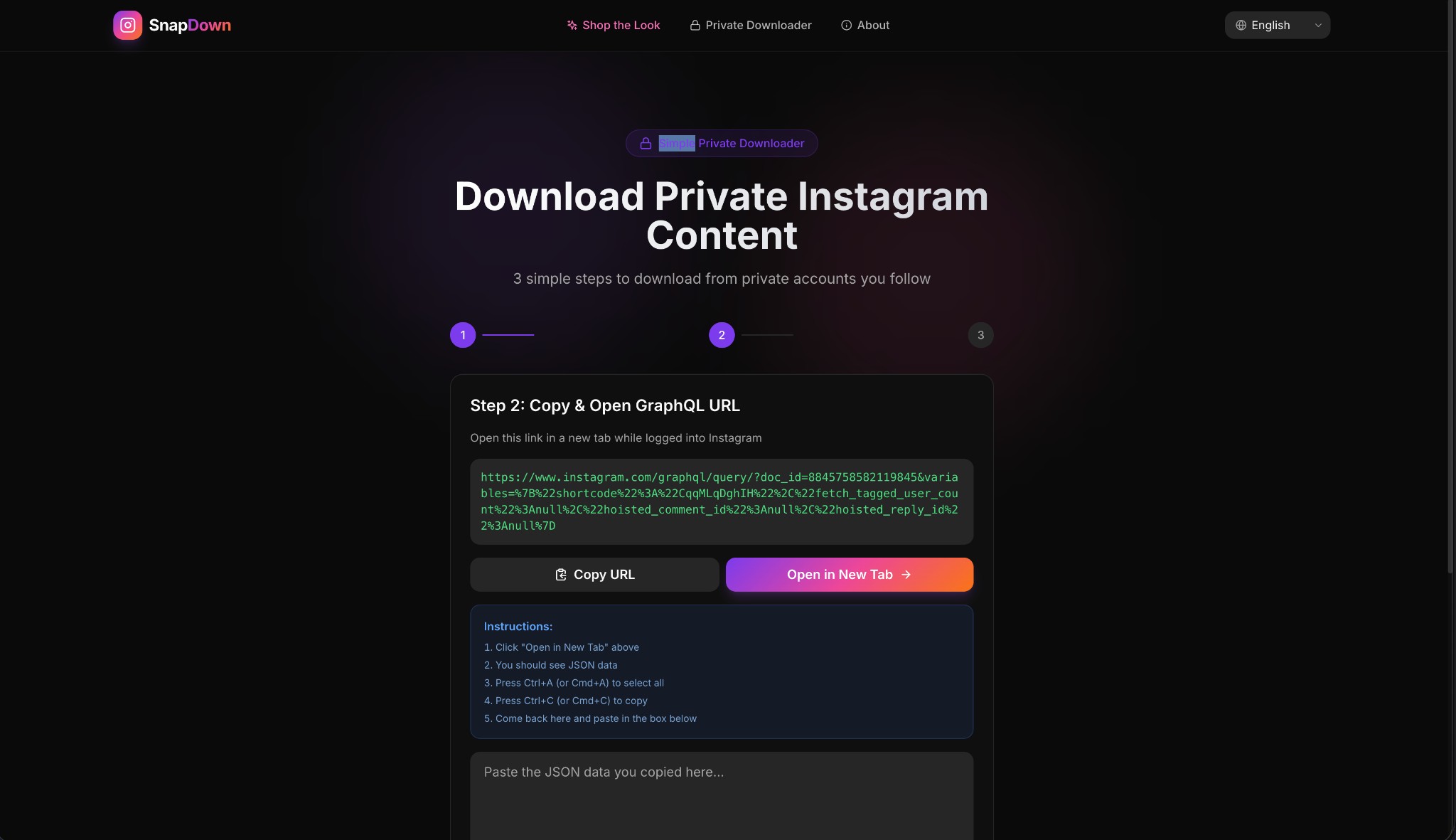
Click 'Open in New Tab' to view the JSON data
A GraphQL URL will appear on screen
Click "Open in New Tab" (or copy it and paste in a new tab)
Make sure you're logged into Instagram in that browser
Select All & Copy the JSON Data
You'll see a page full of raw JSON text. Select all and copy it.
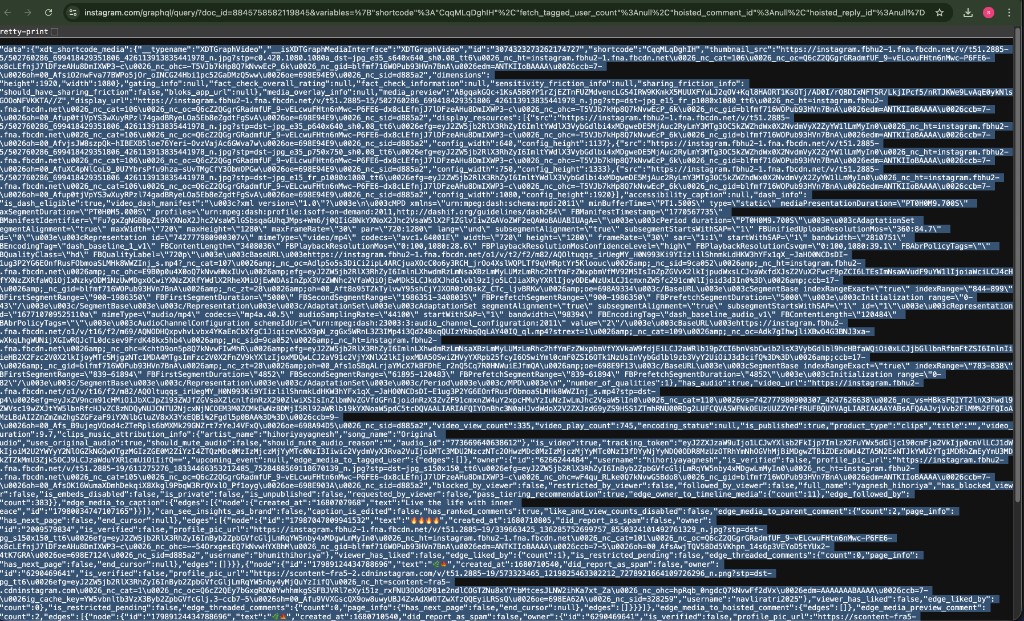
Press Ctrl+A (select all) then Ctrl+C (copy)
You'll see a page full of text/JSON data
Press Ctrl+A (or Cmd+A on Mac) to select all
Press Ctrl+C (or Cmd+C on Mac) to copy
Paste JSON & Click Parse
Return to SnapDown, paste the JSON data, and click Parse to extract the download link.
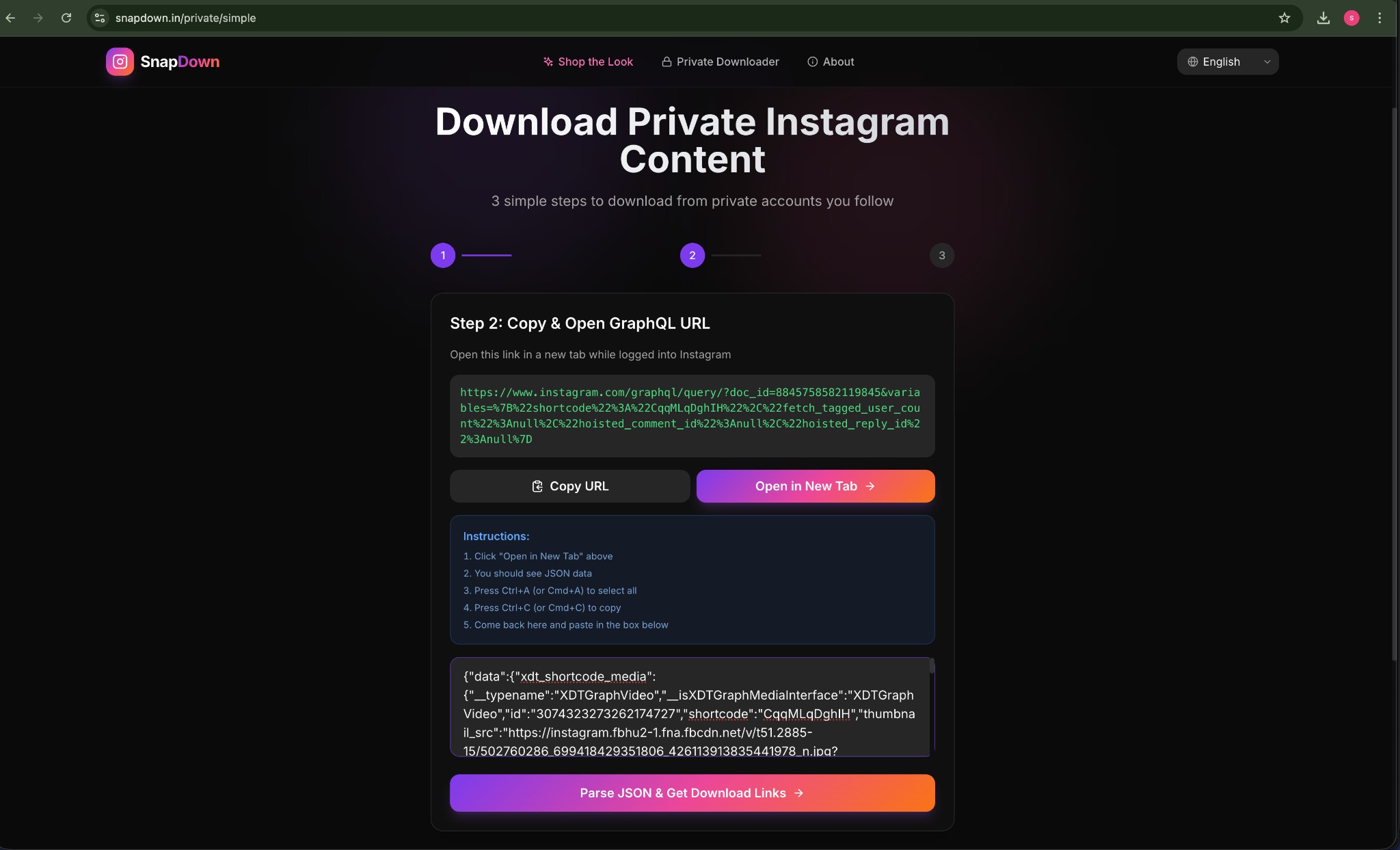
Paste JSON data and click 'Parse JSON & Get Download Links'
Go back to the SnapDown tab
Paste the JSON in the text box (Ctrl+V / Cmd+V)
Click "Parse JSON & Get Download Links"
Click Download!
Your media is ready — click the download button to save it.
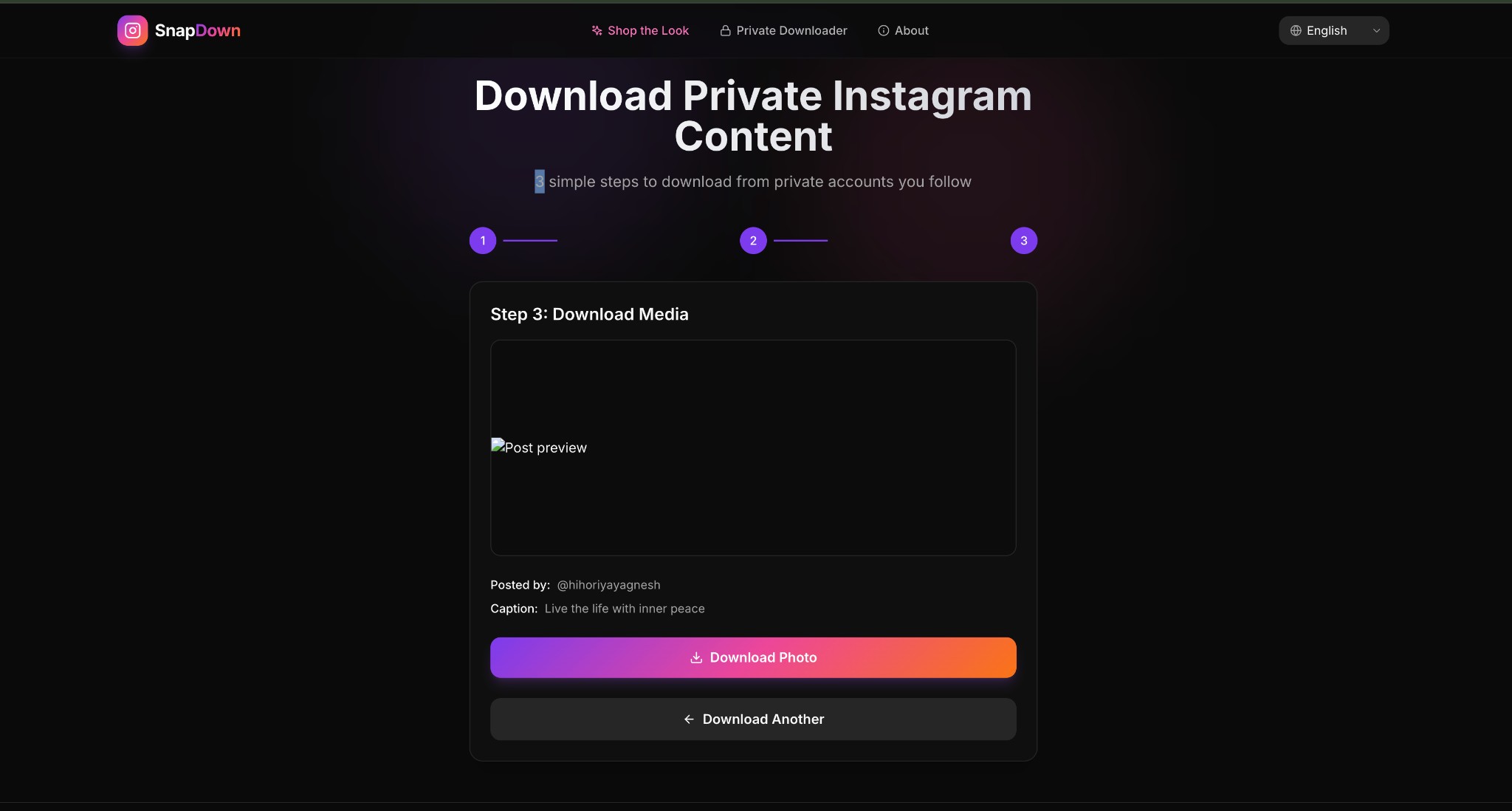
Click 'Download Photo' or 'Download Video' to save
You'll see a preview of the photo or video
Click "Download Photo" (or "Download Video")
The file will be saved to your device
That's it! 6 simple steps.
Make sure you're logged into Instagram in the same browser and that you follow the private account. Need to download another post? Scroll up and start again!